

Production Assist is equipped with a network protocol called PA-NET. This makes it possible to connect to other Production Assist applications.
PA-NET is available for:
PA-NET works over any network including WLAN. All Production Assist applications that are located in the same network can be connected. It is also possible to connect on the same PC.
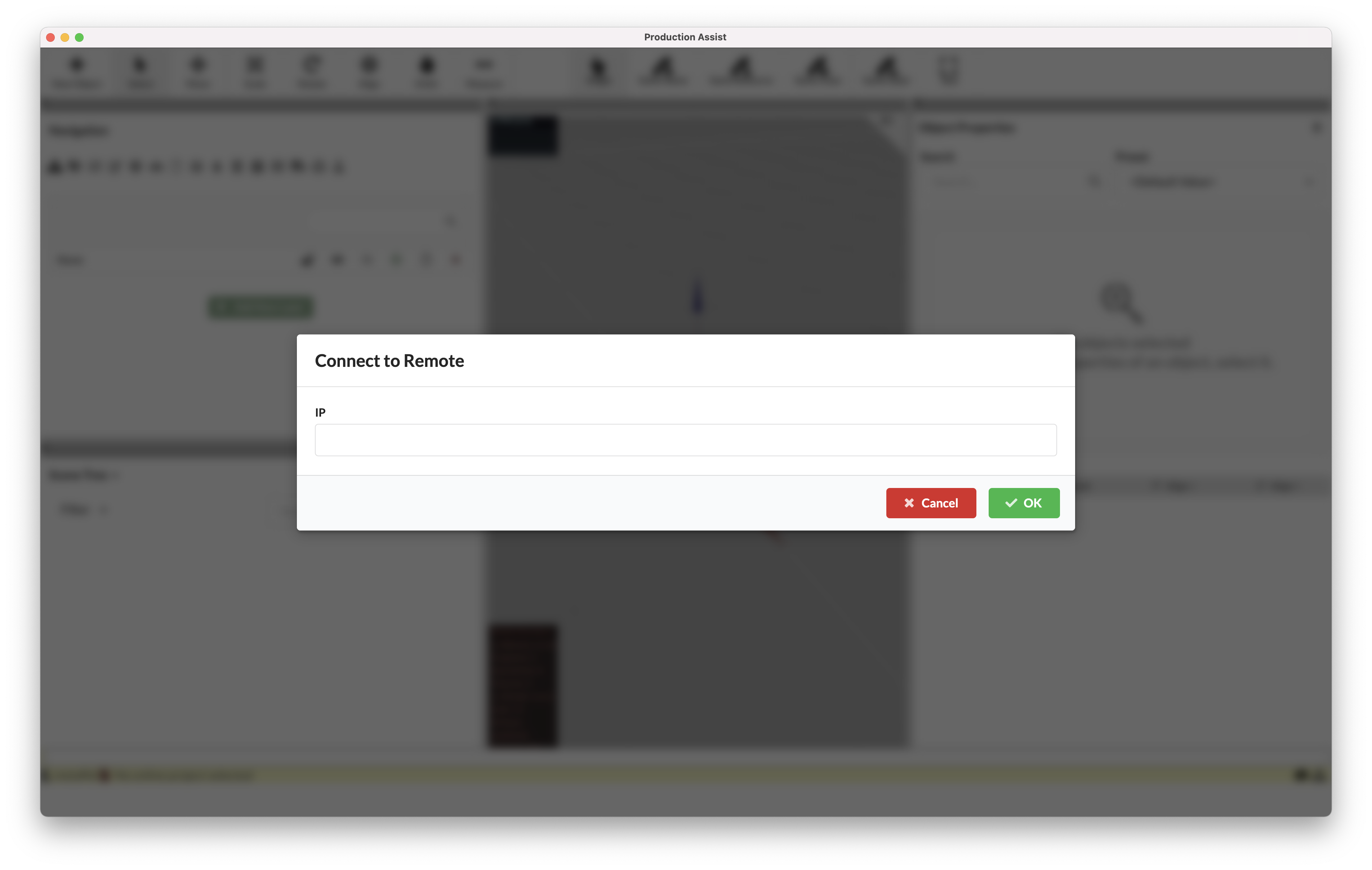
In the menu bar, you find the command Connect to Remote under PA Cloud. Here you can enter the IP address of the PC you want to connect to.
Clicking OK prompts the other PC to accept the connection.
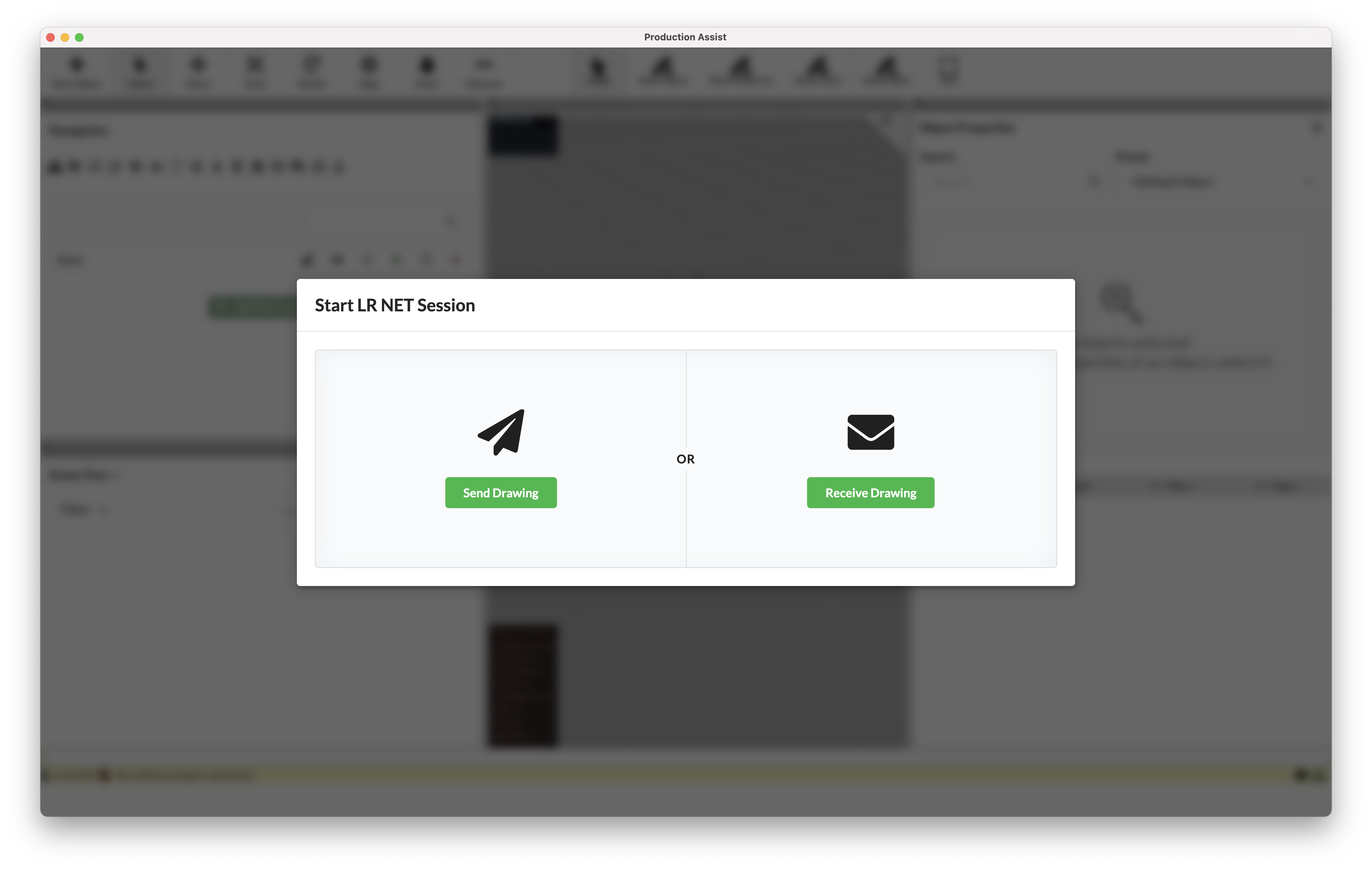
On the PC to which you want to connect, a dialog now appears in which you can choose whether the drawing should be received from the other station or the drawing should be sent there.
After the successful connection, the drawing is replaced by the newly sent/received drawing. This may take a short time depending on network speed.
The establishment of a successful and steady connection is confirmed in the Information Line at the bottom right of the screen by a green network icon.
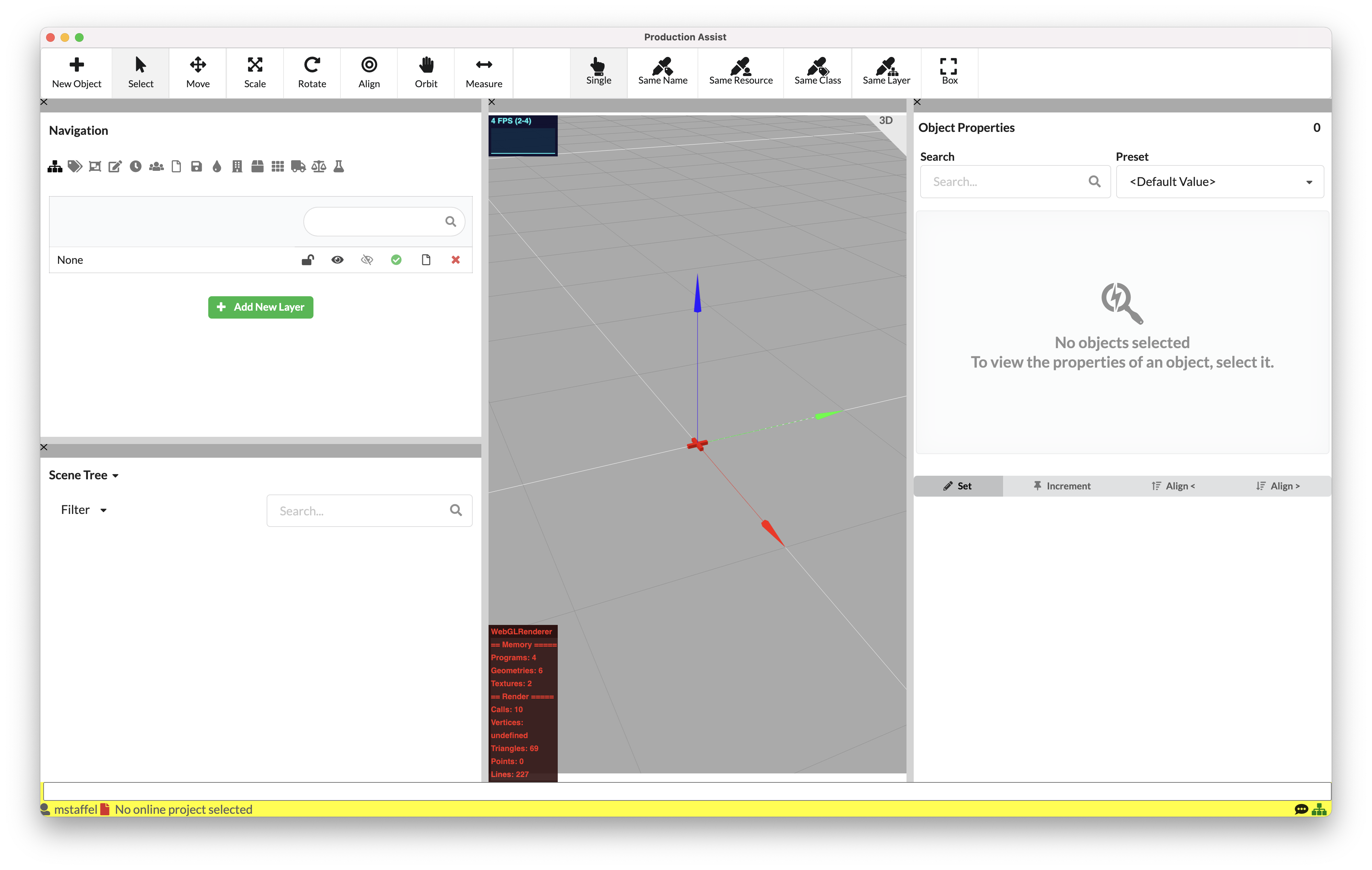
From this point on, all actions that are executed in one Production Assist application are also executed in the other.